
Best Viggle Alternatives for Making AI Dance Videos (2026 Review)
What are the best Viggle alternatives for making dance videos? Compare 6 top Viggle AI dance alternatives that preserve the real person with custom motion, free trial, and no watermark.
 Animaker Dev
Viggle AI dance videos are everywhere on TikTok: upload a photo, pick a motion template or type a prompt, and a stylized character performs the move. This guide explains how that workflow actually works, then compares six alternatives for the moment it falls short — when the result must still look like the real person in your photo.
The comparison is built around three things that actually matter: whether the person in your photo stays recognizable, whether motion comes from a template or from a video you choose, and what the free tier really gives you.
How Viggle AI dance works
Viggle's workflow has three steps: upload a full-body photo, choose a motion — from a template library of thousands of moves or a text prompt — and generate. The output replaces the person in your photo with a stylized character that performs the motion, so faces and clothing are re-imagined rather than preserved.
That trade is exactly right for memes and viral clips, and exactly wrong for family videos, pets, or anything where identity matters. The six alternatives below split along that line.
What are the best Viggle alternatives for making dance videos?
If you are searching for the best Viggle alternatives to create AI dance videos, the top options depend on your primary goal:
- Animaker.dev — Best overall for photorealistic motion transfer that preserves the real person from your photo. You can make a photo dance with AI using custom reference clips. No monthly subscription, 100% automatic refund on failure, and free trial on signup.
- DomoAI — Best for Discord creators who prefer anime and cartoon stylized transformations.
- Kling AI — Best for creators who need cinematic camera control and detailed motion prompts.
- Media.io — Best for template-driven choreography with an attached browser video editor.
- Mango Animate — Best for quick 2D animated templates and social clips.
- Kapwing AI Dance — Best for pet dance memes and multi-track browser video editing.
Quick comparison
| Tool | How motion works | Keeps the real person? | Watermark? | Failure policy | Pricing model |
|---|---|---|---|---|---|
| Viggle | Template + text prompt | Replaces with a stylized character | Yes on free | Consumes credits | Freemium (daily-limited free videos), subscription for volume |
| Animaker.dev | Copies motion from a reference video you upload | Yes — photo stays the person | Zero watermark | 100% auto refund | First video free, then per-video, no subscription |
| DomoAI | Discord commands, style-first generation | Partially — stylized output | No on paid | Non-refundable | Credit packs + Discord subscription |
| Kling AI | Text/image-to-video with motion control | Partially — generative | Yes on free | Consumes credits | Credit packs |
| Media.io | Template dance library | Yes, face-led animation | Yes on free | Non-refundable | Free tier + subscription |
| Mango Animate | Template dance styles | Yes, face-led | Heavy watermark | Non-refundable | Free tier + subscription |
1. Animaker.dev — when the real person must stay the real person
Animaker.dev takes two inputs: one photo and one short reference video. The AI transfers the actual body motion from the video onto the person in your photo, keeping face, hair, and clothing. That makes it the closest substitute when you liked Viggle's idea but want the result to still look like the original photo — for family videos, pets, babies, or your own footage. (Check out the full Animaker vs Viggle feature comparison).
The pricing is the other differentiator: no subscription. The first video is free, and after that each video costs one credit. Failed renders are refunded automatically, and downloads never carry a watermark.
Trade-off: you need a reference clip. Template fans who just want "pick a dance and go" will find Viggle-style libraries faster, though you can also explore our free AI dance video generator presets.
2. DomoAI — the community's free pick
DomoAI keeps coming up on Reddit as the free-ish favorite for image-to-video. It runs through Discord with command-style prompts and leans stylized — anime and illustrated looks rather than photoreal preservation. If your goal is a meme-ready stylized dance clip and you live in Discord anyway, it is the lowest-friction option. If you need the output to look like the photo, it is not.
3. Kling AI — when you want cinematic motion control
Kling's motion-control features generate video with strong physics and camera work. It is a generative model first: identity preservation is approximate, and results depend on prompting skill. Best for creators who want directed, cinematic shots and are willing to spend credits iterating.
4. Media.io — template library with a browser editor
Media.io's dance generator is template-led like Viggle, with a browser-based editor attached. Face-led animation keeps the person recognizable for front-facing photos, though body motion follows the template rather than a clip you chose. Good middle ground if you want templates plus light editing in one place.
5. Mango Animate — quick social clips
Mango Animate offers multiple dance styles aimed at shareable social content; the free tier exports watermarked, resolution-limited clips. Motion is template-driven, so the dance is whatever the template does.
6. Kapwing Dancing Pet / AI Dance — for pets and quick edits
Kapwing's AI dance makers (including a dancing-pet tool) sit inside a full browser editor — handy if you want to trim, caption, and post in one tab. Motion quality is template-tier; the value is the editing workflow around it.
Which one should you pick?
- The photo must stay the same person (family, pets, yourself): a reference-video motion transfer tool — see how Animaker.dev handles it — is the honest answer, because templates replace motion instead of copying yours.
- You want zero cost and stylized is fine: DomoAI.
- You want templates and an editor: Media.io or Kapwing.
- You want cinematic control and will iterate: Kling.
Is there a free Viggle AI dance video app alternative?
Yes. Animaker.dev functions as a web-based free AI dance video generator with no app download required. New accounts receive free trial credits to test their first video without a credit card. Unlike Viggle's stylized cartoon replacements, Animaker transfers real human choreography from any video clip onto your portrait photo while preserving original facial expressions and clothing textures.
If what you actually want is a Viggle AI dance generator that keeps the original person, none of the template tools above will do it by definition — the character is the template's, not yours. Motion transfer from your own clip is the only workflow that ends with your person performing your move.
Deeper dives: Freebeat alternatives for music-first workflows, and DomoAI alternatives for realistic motion. Full disclosure: Animaker.dev is our product, and this page links to it. We tried to keep the trade-offs above accurate — including the ones that favor competitors. If you want to verify the motion-transfer claim yourself, you can try the Viggle alternative for free.
Continue reading
Best DomoAI Alternatives for AI Video & Realistic Motion (2026)
Compare the 4 best DomoAI alternatives for AI video generation and realistic dance motion. Find Discord-free, photorealistic tools that preserve the real person.
Animaker Dev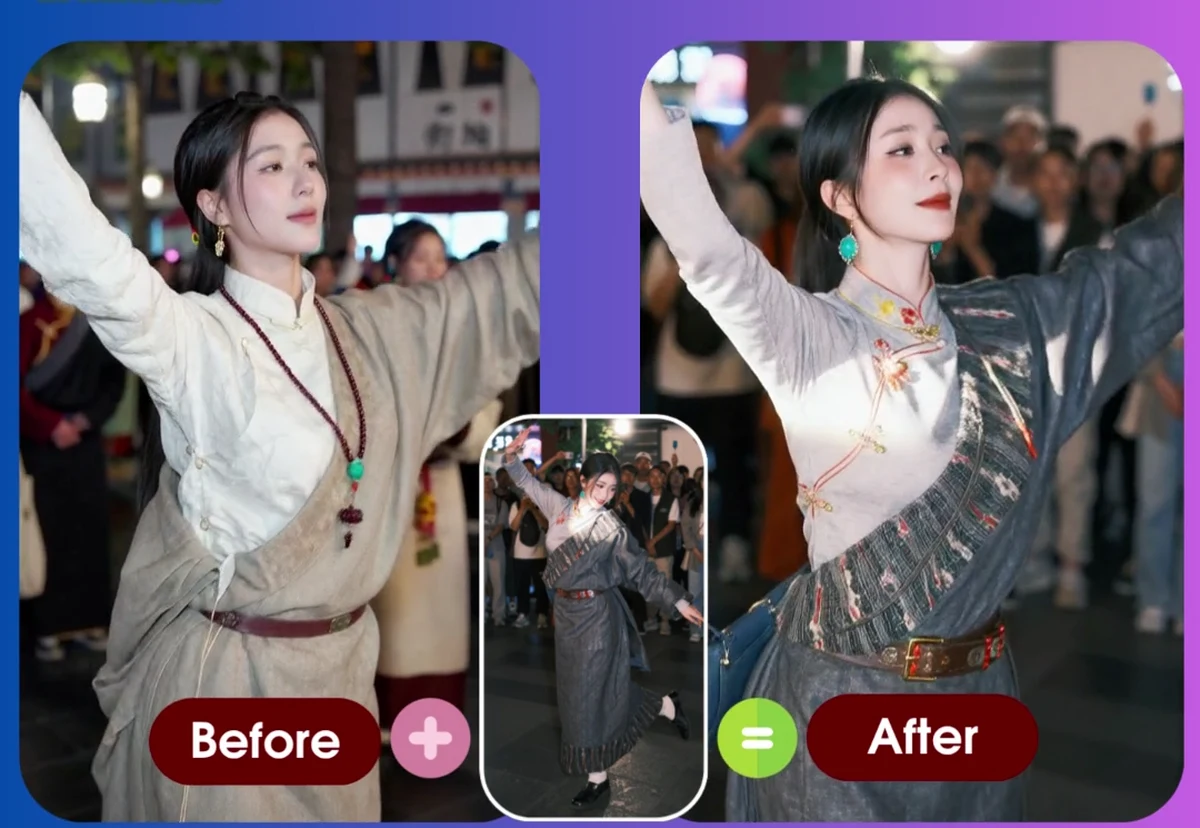
Best AI Dance Video Generators in 2026: 8 Tools Compared
A side-by-side comparison of the leading AI dance video generators — pricing model, free tier, watermark policy, reference-video support, and who each tool is actually for.
Animaker Dev Team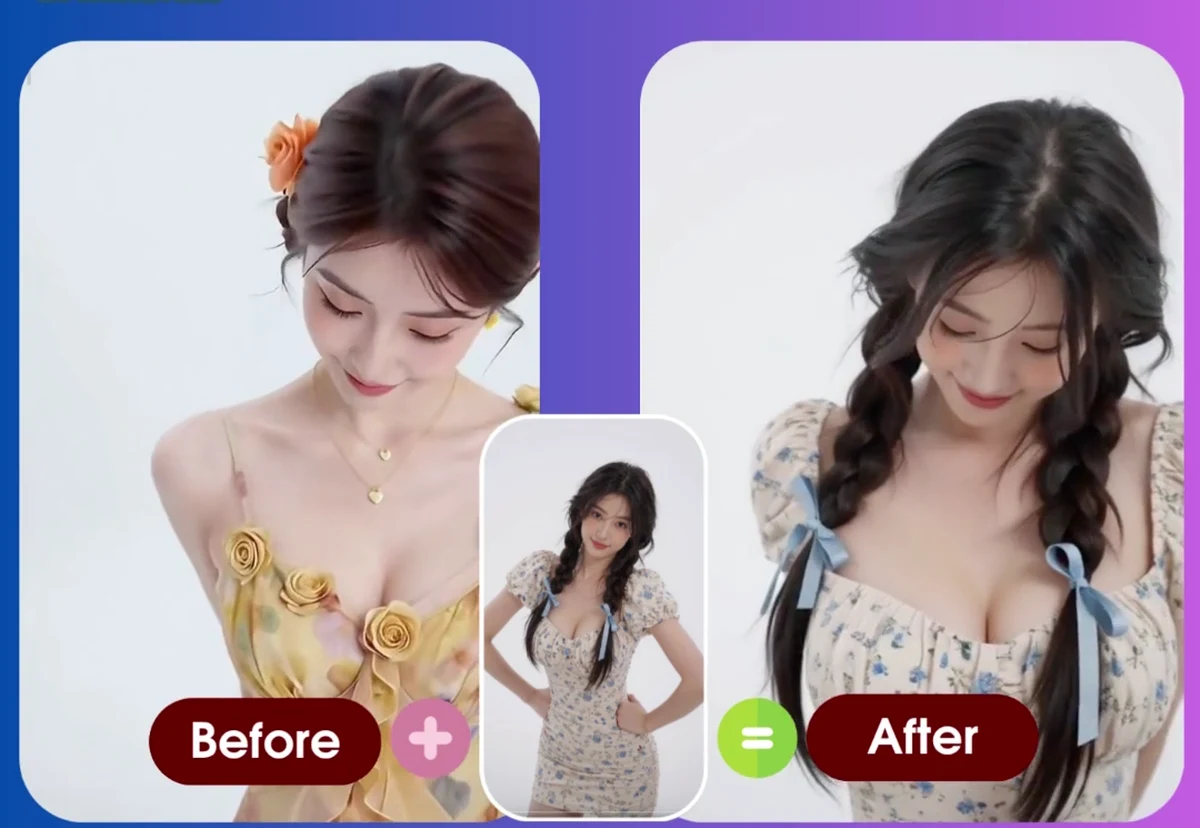
How to Make AI Dance Video from Photo: Complete Guide (2026)
Learn how to make an AI dance video from a photo in 3 steps. Step-by-step tutorial with motion transfer examples (old photos, baby photos, pet photos), and free trial.
Animaker Dev Team