
How to Animate an Old Family Photo with AI | Animaker
Learn how to animate an old family photo with AI using a clear portrait and a short motion reference. Practical input tips and fixes for vintage images.
 Animaker Dev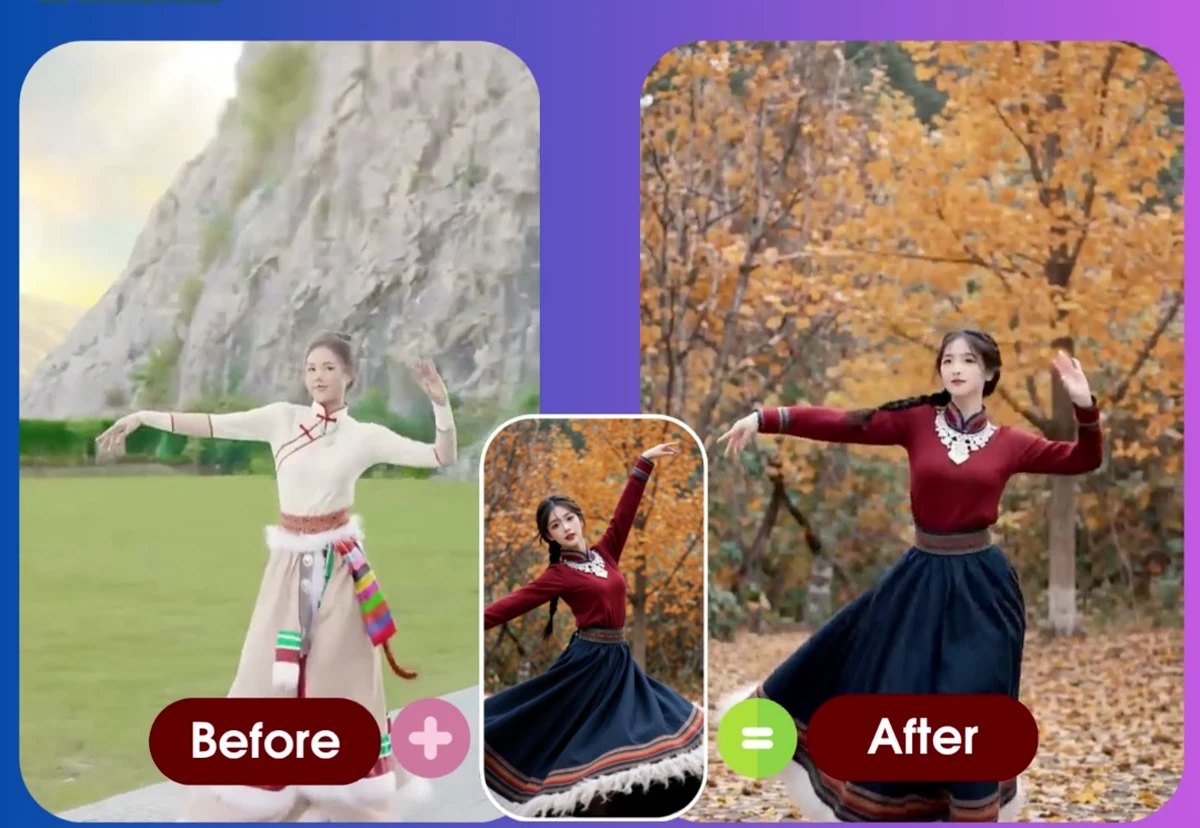
An old family photo can hold a lot of memory, but it is still a single frame. AI motion transfer can add a short, expressive moment by applying movement from a reference video to the person in the photo.
Animaker uses two inputs: the family photo and a short motion reference. The photo supplies the identity and body structure. The reference supplies the movement, timing, and gestures. This is a controlled workflow, so the quality of the inputs matters more than writing a long prompt.
1. Prepare the old photo
Start with the clearest version of the photo you have. A phone scan or a high-resolution scan is preferable to a screenshot. Crop away large empty borders, but keep the face and the body area that the reference will move.
Use this checklist:
- Keep one main person in the frame.
- Make sure the face is visible and reasonably well lit.
- Include the shoulders, torso, or legs required by the target movement.
- Remove severe glare, folds, or objects covering the face when possible.
- Keep the original photo safely stored before making any edits.
Light film grain and faded color are usually fine. If the face is hard to recognize, a gentle contrast or restoration pass can help before uploading.
2. Pick a compatible movement
Choose a 10 to 30 second reference clip for the first attempt. One performer, a stable camera, and simple movement give the model a clearer signal than a fast montage or crowded dance floor.
Match the reference to the photo:
| Photo | Better reference |
|---|---|
| Standing portrait | Standing dance with visible arms |
| Seated portrait | Seated gestures or a gentle bounce |
| Head-and-shoulders crop | Upper-body movement |
| Full-body portrait | Reference that includes the legs |
Avoid asking a tightly cropped portrait to perform a full-body routine. The missing body information has to be inferred, which increases the chance of unstable limbs or an unnatural posture.
3. Generate the video
- Open Animaker's photo dance generator.
- Upload the old family photo.
- Upload the short motion reference video.
- Start the generation and check the task in your dashboard.
- Download the MP4 when the task completes.
Animaker's failed tasks refund the consumed credit automatically, so a failed first attempt can be retried with a better-matched photo or reference.
Common fixes
The face changes too much. Use a sharper scan, improve the lighting, and remove anything covering the eyes or mouth.
The hands look distorted. Pick a slower reference with clear arm movement and use a photo where both hands are visible.
The body looks stiff. Match the starting pose and framing between the photo and reference. A seated photo usually needs a seated reference.
The result looks too modern for the photo. Choose a slower, simpler movement and keep the original color and texture in the input. The goal is a brief living moment, not a full restoration of the entire image.
Respect the people in the photo
Only animate photos you own or have permission to use. Consider whether relatives would be comfortable with the result being shared publicly, especially when the photo includes children or people who have passed away. Keep private family results private unless everyone who needs to consent has agreed.
Ready to try? Make an old photo dance with Animaker.
FAQ
Can AI animate a scanned family photo?
Yes. A clear scan with a visible face and upper body is a good starting point. Light grain is usually acceptable, while severe blur or damage may need basic restoration first.
What motion reference works best for an old photo?
Use a short clip with one performer, a stable camera, and readable upper-body movement. Match the reference posture to the person in the photo when possible.
How do I avoid distorted faces and hands?
Choose a front-facing photo with even lighting, keep both hands visible when the reference uses them, and avoid fast spins or heavily blurred reference footage.
관련 글
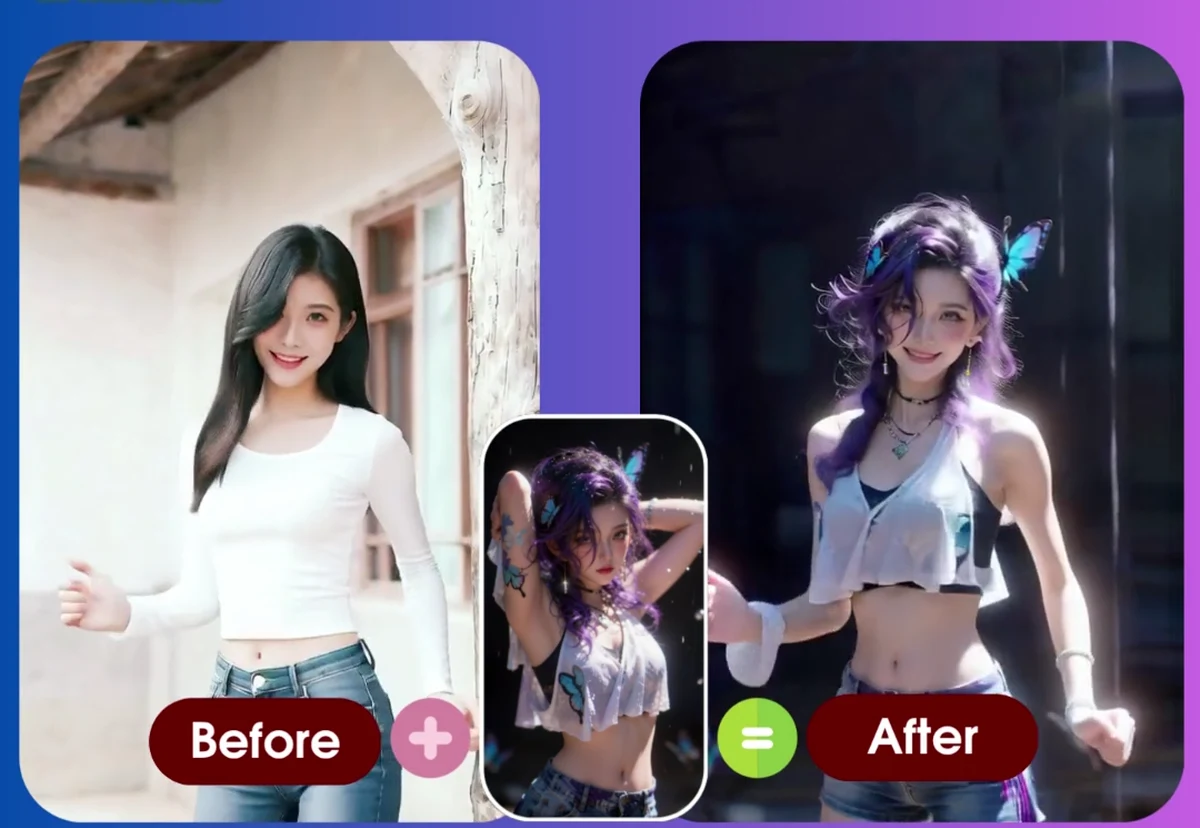
7 Reference Action Video Tips for Better AI Motion Transfer
Learn how to shoot or choose better reference action videos for AI motion transfer, avoid failed generations, and improve photo-to-video results.
Animaker Dev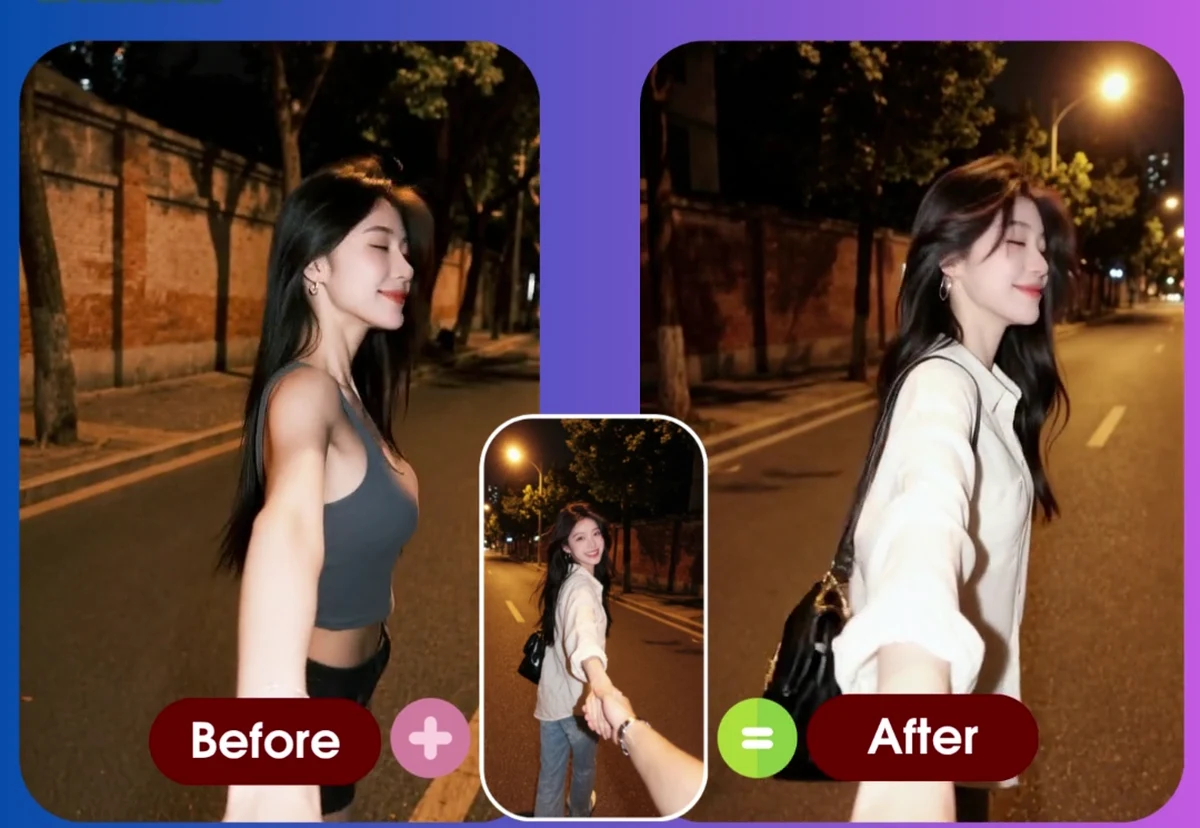
What Is AI Motion Transfer Video?
A clear explanation of AI motion transfer video, how it differs from text-to-video, and when creators should use a reference action workflow.
Animaker Dev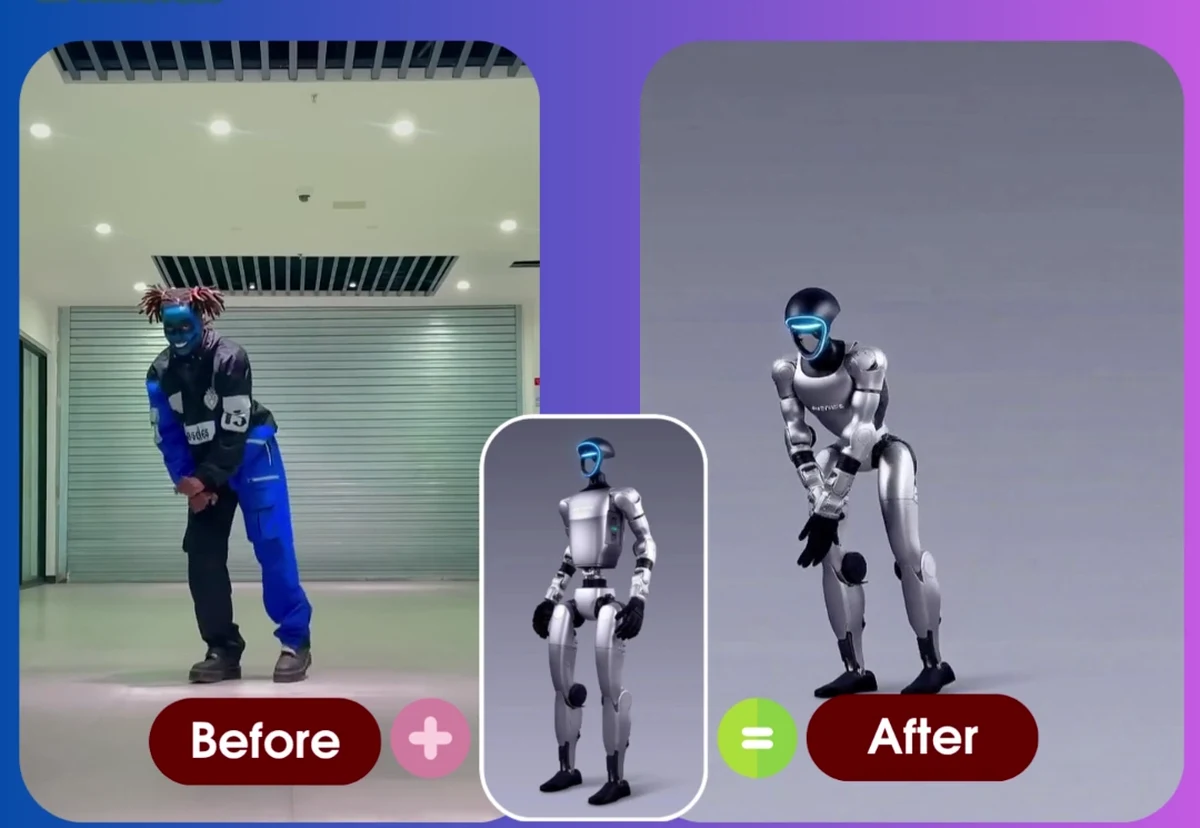
Motion Transfer vs Character Replacement vs Template Libraries: Three Ways to Animate a Photo
A plain-language comparison of the three approaches to animating a photo with AI — what each one keeps, what it needs from you, and how to choose between them.
Animaker Dev Team